Home videos, recordings and oddly named files often have no poster on a Jellyfin server, and its chapter images are off by default because they cost a library scan. On a television, a grid of blank cards is hard to browse. Tomo TV generates video thumbnails on the device from the file itself, without asking the server.
Many files have no poster
Jellyfin's artwork comes from metadata providers that match names against online databases. A home video or a recording matches nothing, so it gets no image. Chapter images are a separate scan that a default server does not run.
The engine already opens every file to remux or transcode it. A second reader on the same source, on its own format context, can seek to a keyframe and decode one frame without touching the playing session. That is the whole idea: the grabber borrows the link, not the decoder state.
Pick the frame the way FFmpeg's thumbnail filter does
A naive approach takes a frame at a fixed percentage of the runtime and accepts whatever it finds. That fails on anything with a cold open: a fade-in, a black title card, or a scene that opens in darkness all produce a poster that tells the viewer nothing.
FFmpeg's own thumbnail filter takes a different approach. It reads a batch of frames and picks the one whose color distribution is nearest the batch average. Outliers, blank frames and fades lose to the frames that look like the rest of the content. The engine does the same. It decodes a run of keyframes from ten percent of the runtime and builds an RGB histogram for each. The frame closest to the batch average wins. The average counts usable frames only, so a long dark opening cannot pull the pick into the black.
A dark cold open landed a black card
Before the batch approach, the engine sampled five positions clustered in the first 30 percent of the runtime and accepted the most-contrasted frame when none of them passed the usability check. A drama whose first episode opens in the dark landed a near-black poster.
The usability check reads mean luma (brightness) and its standard deviation off a small copy of the frame. Mean luma must fall between 40 and 170, which rules out black frames and white flares. Standard deviation must reach 25, which rules out flat dissolves and blank title cards. With the batch approach, a long dark opening simply loses to the footage further in.
Crop only what every frame agrees on
A film transferred from a disc often carries black bars: a widescreen picture in a 16:9 frame adds horizontal bars, a cropped or pillarboxed source adds vertical ones. A poster that includes those bars wastes space and looks unfinished on a card.
The crop runs on the same batch. Each frame is scanned inward from its edges for its content box, where the rows and columns rise above a bar threshold of 24 out of 255. The poster takes the union of every frame's box, not the tightest one. A dark scene would over-crop on its own box, and the union keeps the whole picture. Two guards stop bad crops. A bar must cover at least two percent of its side to count. And the crop must keep at least half the picture, so a dark scene is never mistaken for a bar. The picked frame is then decoded once more and scaled, so the picture inside the bars fills the 480-pixel output width.
Make posters as cards come on screen and cancel the ones that leave
Decodes run on a single low-priority serial queue. The queue processes requests newest-first, because a grid mounts cards as the user scrolls, so the latest requests are the cards currently on screen. A card that scrolls off cancels its pending job before it reaches the queue. A card whose poster already exists is served from the pool before any queue work starts.
flowchart LR
    A[Card visible] --> B[Request poster]
    B --> C{File in pool?}
    C -- yes --> D[Serve file]
    C -- no --> E[Queue: newest first]
    E --> F[Decode keyframes from 10%]
    F --> G[Drop dark and flat frames]
    G --> H[Pick nearest the average]
    H --> I[Crop bars from union box]
    I --> J[Write JPEG to pool]
    A2[Card scrolls off] --> K[Cancel job]
Each poster lands in a shared pool keyed by item ID, so a repeat visit to a library costs nothing.
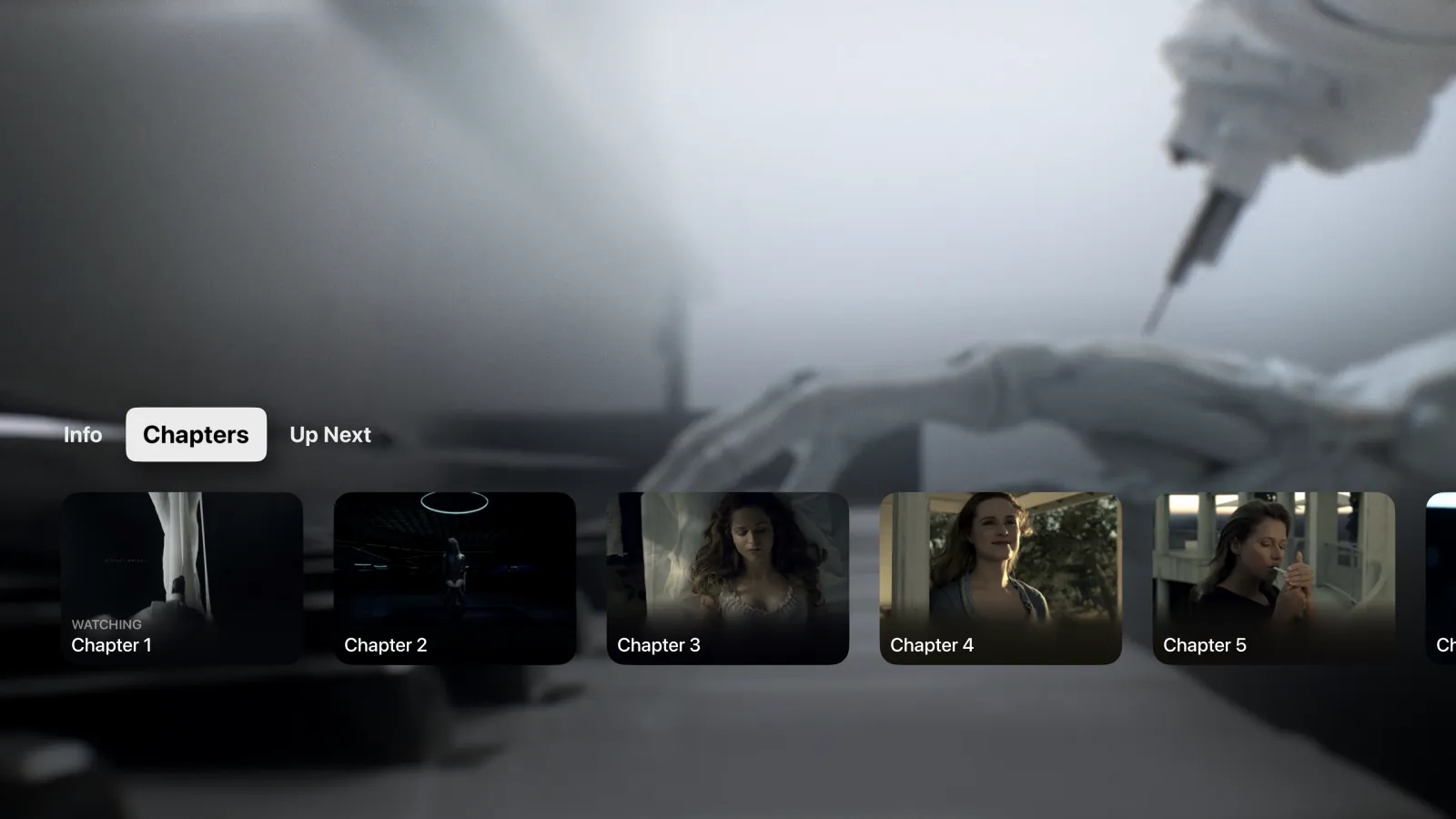
The same grabber that makes posters also makes chapter keyframes when a server has none, and the I-frame rendition for scrub thumbnails. One reader, three uses, and the playing session never sees any of it.
See also: scrub thumbnails on Apple TV without trickplay, live TV channel previews that loop, and Tomo TV on the lab page.