When a Jellyfin server moves to a new IP address, the first request fails. A naive app treats that failure as an auth problem and shows a login screen. Tomo TV does not: it tries to find the same server at a new address and reconnects, keeping the session intact. This is the story of how that works and what it took to make it reliable.
A network failure is not an auth failure
Jellyfin access tokens bind to a server and a device, not to an address. A token that worked on the old address still works on the new one: the server has not changed, only where packets reach it. This distinction shapes the whole recovery: the goal is never to re-authenticate, only to find the right URL and swap it.
The app keeps a cooldown of sixty seconds between recovery attempts, so a burst of failed requests from any screen collapses into a single run. Recovery also waits while the app is in the background or inactive.
Finding the server by its ID, not its address
When a request fails and recovery starts, the app works through three steps in order, cheapest first.
The first step checks whether the saved URL answers again. A brief Wi-Fi flap looks exactly like a moved server. Retrying the saved address costs one round-trip and short-circuits everything else when the server comes back.
The second step tries the same host on other protocols and ports. A reverse proxy added or removed, or a certificate change, can stop the host from answering on the port the app knows. The server itself has not moved.
The third step sweeps the local subnet over HTTP, looking for any Jellyfin server whose ID matches the one on file. When a match is found, the app records the new URL, rewrites every saved sign-in that pointed at the old address, and continues. That last part matters: without rewriting the saved accounts, the next "Continue as" would probe the dead address first and cost a ten-second timeout before recovering.
The recovery flowchart looks like this:
flowchart TD
    A[Request fails] --> B[Saved URL answers?]
    B -- Yes --> C[Recovered]
    B -- No --> D[Same host, new port?]
    D -- Yes --> C
    D -- No --> E[LAN sweep: match by server ID]
    E -- Found --> F[Adopt new URL + relocate accounts]
    F --> C
    E -- Not found --> G[Show error with Retry]
Why HTTP sweep instead of Jellyfin's UDP broadcast
Jellyfin has its own discovery protocol: a UDP broadcast that returns the server's address directly. The app does not use it: sending to a broadcast address on iOS and tvOS requires a specific Apple network entitlement that has to be approved before it works on device. Jellyfin's UDP discovery can also be turned off on the server.
The HTTP sweep needs no entitlement and works regardless of server configuration. It uses native TCP connect to find which addresses are listening, then sends HTTP only to those. A /23 subnet, 510 hosts, is swept end to end rather than clamped to the device's /24. The device and the server can sit in different /24 halves of the same /23, and a /24-only sweep would silently miss the server.
The recovery only ran from one path
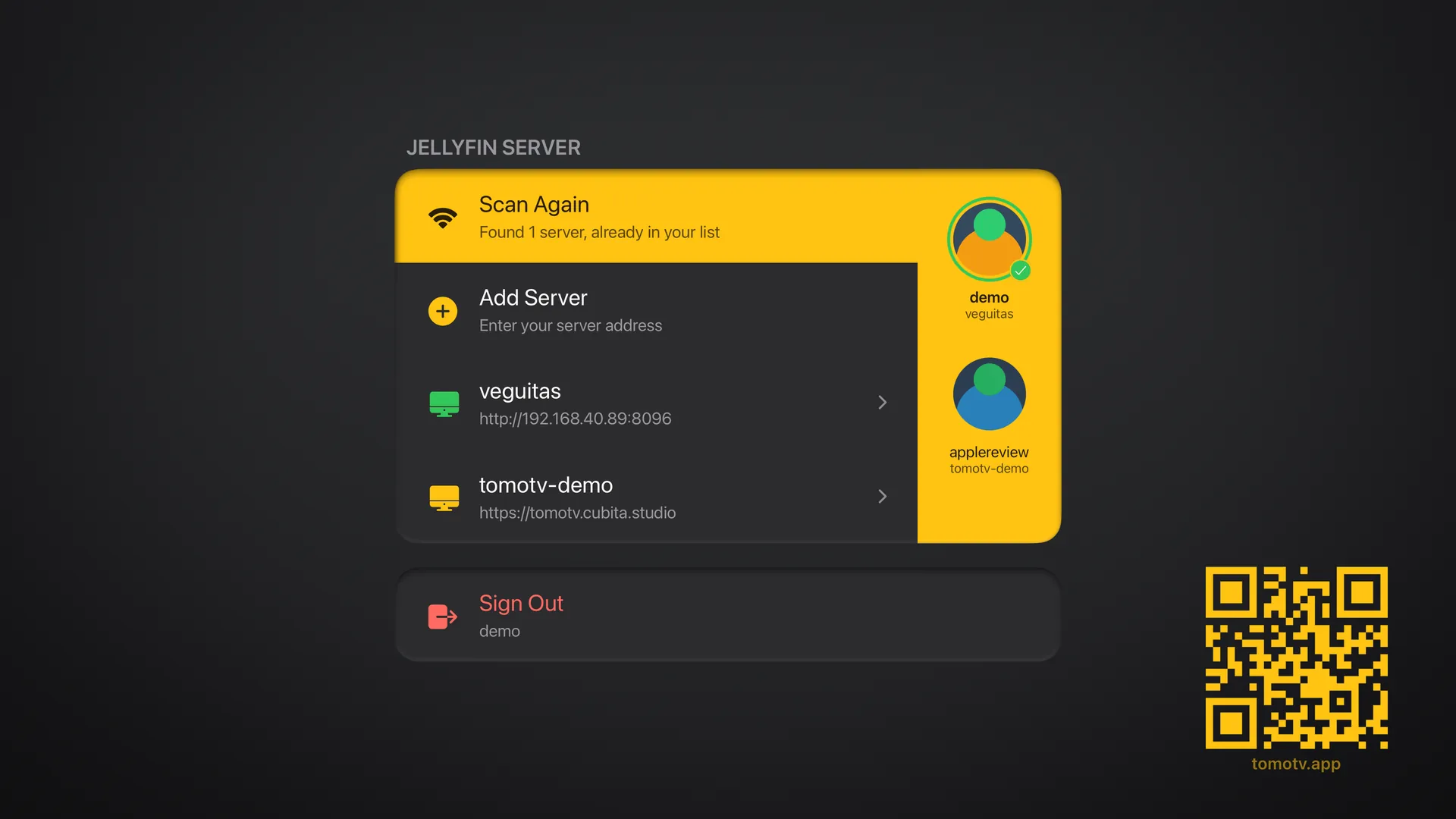
The recovery ladder existed before its call sites were complete. Its only callers were the library data-loading hooks: code that runs after the app already has an active session and a screen to show. The Settings screen's saved-server selection path probed the dead address, found nothing on other ports, and showed "Server Unreachable" without ever reaching the LAN sweep.
The failure surfaced when a DHCP lease changed. The saved card pointed at the old address. The sweep would have found the server immediately, but the saved-server tap was not wired to it. The fix added findServerById to both the connection hooks and the saved-server selection path, so every "the server didn't answer" branch reaches the same recovery code.
A recovery mechanism is only as reliable as its call sites.
The rule is simple: list every path in your app where the server might not answer, and make every one of them reach the same recovery code. A sweep you run from one place but not another is a partial fix. When the user's DHCP lease changes, the path they happen to take will decide whether they get a reconnect or a login screen.
Related: When should a Jellyfin client transcode? and the Tomo TV lab page.