Live TV on Apple TV should feel like TV: you swipe, the next channel appears. AVKit on tvOS has channel flipping built in, and Tomo TV uses it instead of building a custom overlay. What took work was not the flip itself but keeping the next channel warm enough that the wait was barely visible.
AVKit already has tvOS channel flipping
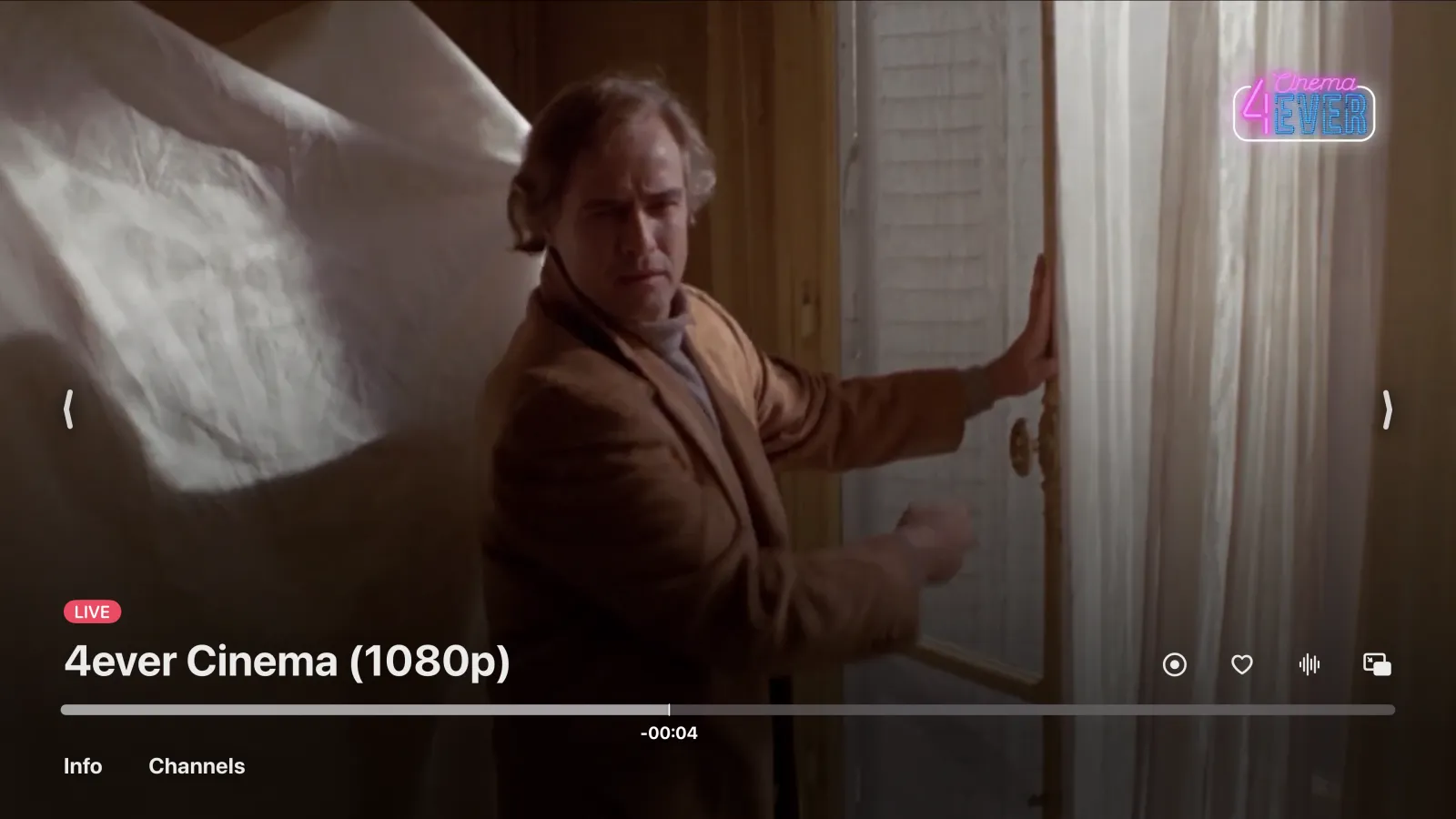
AVKit's AVPlayerViewControllerDelegate includes four methods for channel surfing. Two fire on each Siri Remote swipe: playerViewController(_:skipToNextChannel:) and playerViewController(_:skipToPreviousChannel:). Two more return the view controller AVKit shows between channels: a full-screen card with the channel name, the current program, and a spinner. The system owns the gesture, animates the transition, and calls back once you say the new channel is ready.
Our side is simple. JS receives the swipe as an event, swaps the source URL on the existing player, and resolves the completion once the new item starts playing. A swipe mid-flip supersedes the one in flight: AVKit fires the new direction before the prior completes, so the old completion resolves as succeeded and the new one waits.
We use AVKit here because the gesture and the card are exactly what a TV viewer expects, and Apple maintains them. The Up Next card between episodes is AVKit's too. One honest note: React Native Video does not expose these delegate methods, so they live in Tomo TV's patch of that library.
A movie must not answer
AVKit turns on channel flipping for any item whose delegate answers those four methods. Nothing else switches it on. A movie in the same player would accept channel swipes it has no business accepting.
The answer is responds(to:). The delegate overrides it and says no to the four channel methods unless a live channel is playing. When that flag changes, the delegate is set again in case AVKit cached its earlier answer.
override func responds(to aSelector: Selector!) -> Bool {
    if let aSelector, Self.channelSelectors.contains(aSelector) { return channelFlipEnabled && super.responds(to: aSelector) }
    return super.responds(to: aSelector)
}
Keep neighbors warm, but only while surfing
Opening a live stream cold means a server lookup, a stream open, and enough engine segments before the player can start. On device, a cold channel took 11 to 16 seconds from swipe to picture. The fix was to keep the channel on either side already running before you swiped to it. That brought the time down to 0.84 to 1.11 seconds. The same pre-warming idea applies to live channel preview loops in the guide.
Warm neighbors have a cost: each pulls its full bitrate for as long as it runs. On a thin link we measured the connection fall from 9.4 to 2.1 Mbps under a 3.1 Mbps channel, and all three streams died.
Neighbors now run only inside a surf window: 30 seconds after each flip, long enough for a burst of channel surfing. After that they stop. If the playing channel starts waiting on the network, the neighbors are released at once, without waiting for the window to close.
The diagram below shows what stays warm during and after a flip.
flowchart LR
    PREV["Previous<br/>channel"] -- warm --> PLAY["Playing<br/>channel"]
    PLAY -- warm --> NEXT["Next<br/>channel"]
    SURF(["Surf window<br/>30 s after flip"]) -. closes .-> PREV
    SURF -. closes .-> NEXT
    PLAY -- link starves --> SURF
A dead channel keeps AVKit up
On tvOS, a channel that fails permanently during a flip does not park the player or dismiss the interstitial. The failure message takes the stage line below the channel name, the spinner stops, and AVKit stays on screen. The next swipe in either direction flips on from the failed channel as if it had played, because AVKit's gesture state is preserved.
No timeout fires. A slow channel that eventually plays is better than forcing a retry, and AVKit's interstitial carries the wait. Menu dismisses it if the viewer gives up, which is the expected fallback on the Siri Remote.
The rule the implementation follows: name what you borrow from the foreground, and give it back on demand. A surf window makes the cost explicit, and an immediate yield on network pressure ensures the channel you are watching is always first in line.