
- mit
- node.js 18+
- macos 14+
lazy webp
Batch convert images to WebP with zero config. Skips unchanged files automatically, processes directories in parallel, and works as a CLI or native macOS app.
Usage
Quick Start
# zero-install (npx)
npx lazywebp photo.png

# or install globally
npm install -g lazywebp
lazywebp photo.png
Examples
# convert multiple files
lazywebp a.png b.jpg c.gif

# convert a directory
lazywebp ./images

# custom quality (default: 90)
lazywebp -q 80 ./photos

# recursive + output dir
lazywebp -r -o ./out ./src
Options
| Flag | Description |
|---|---|
| -q, --quality | WebP quality 1-100 (default: 90) |
| -o, --output | Output directory (default: same as source) |
| -r, --recursive | Process subdirectories recursively |
| -h, --help | Show help |
| -v, --version | Show version |
Features
CLI
Batch Processing
Convert entire directories of images in a single command. Supports JPG, JPEG, PNG, GIF, BMP, TIFF, and existing WebP files.
Smart Skipping
Compares file modification times to skip images that haven't changed since the last conversion. Only re-converts what's needed.
Concurrent Workers
Leverages sharp's built-in concurrency to process up to 4 images in parallel for faster batch conversions on multi-core machines.
Safe Writes
Writes to temporary files first, then renames on success. If a conversion fails mid-write, no corrupt output is left behind.
Color Space Aware
Preserves sRGB color profiles during conversion via sharp. Images maintain their intended color appearance in WebP output.
EXIF Auto-Rotation
Reads EXIF orientation tags via sharp and auto-rotates images during conversion so WebP output always displays correctly.
Desktop App
Drag & Drop
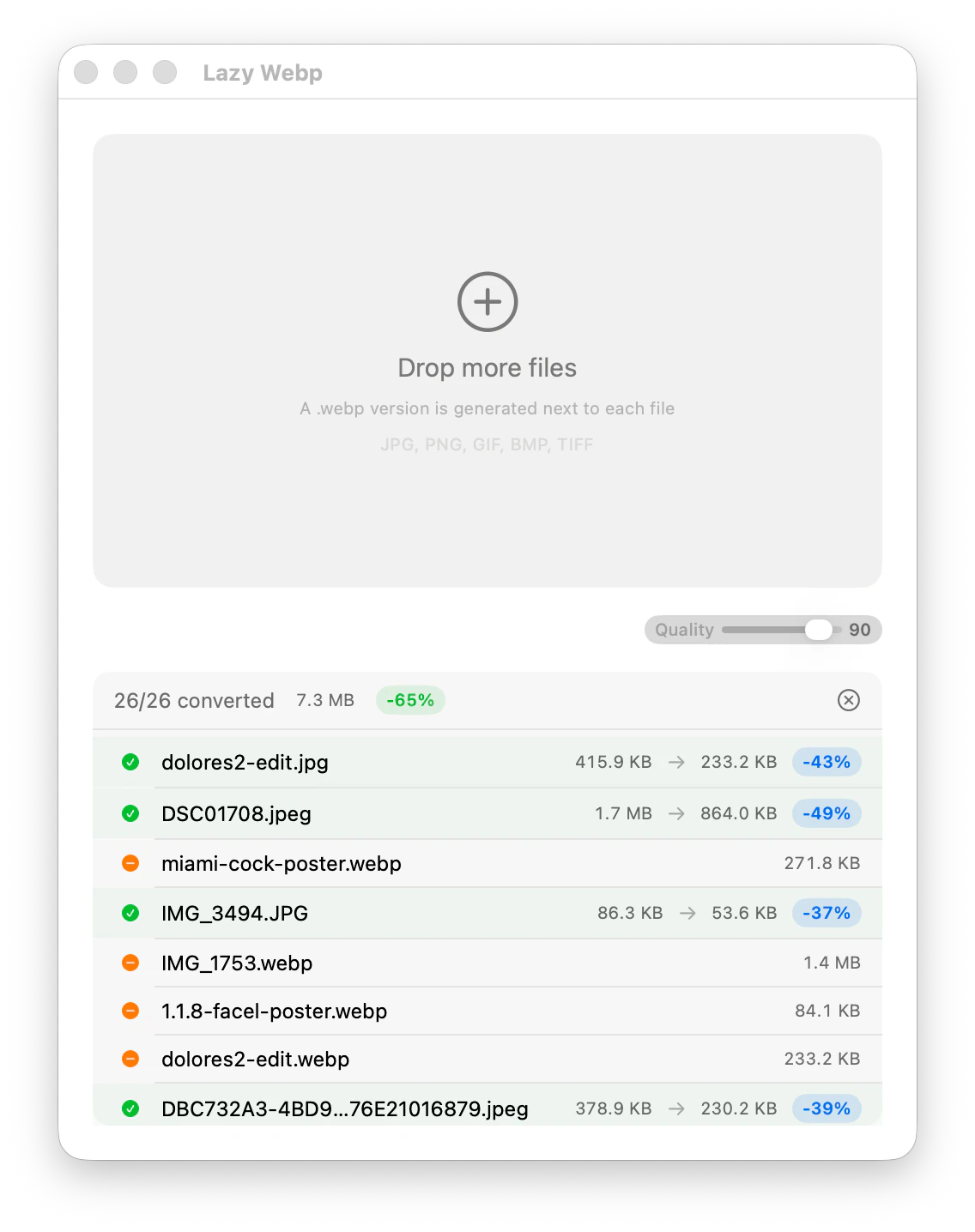
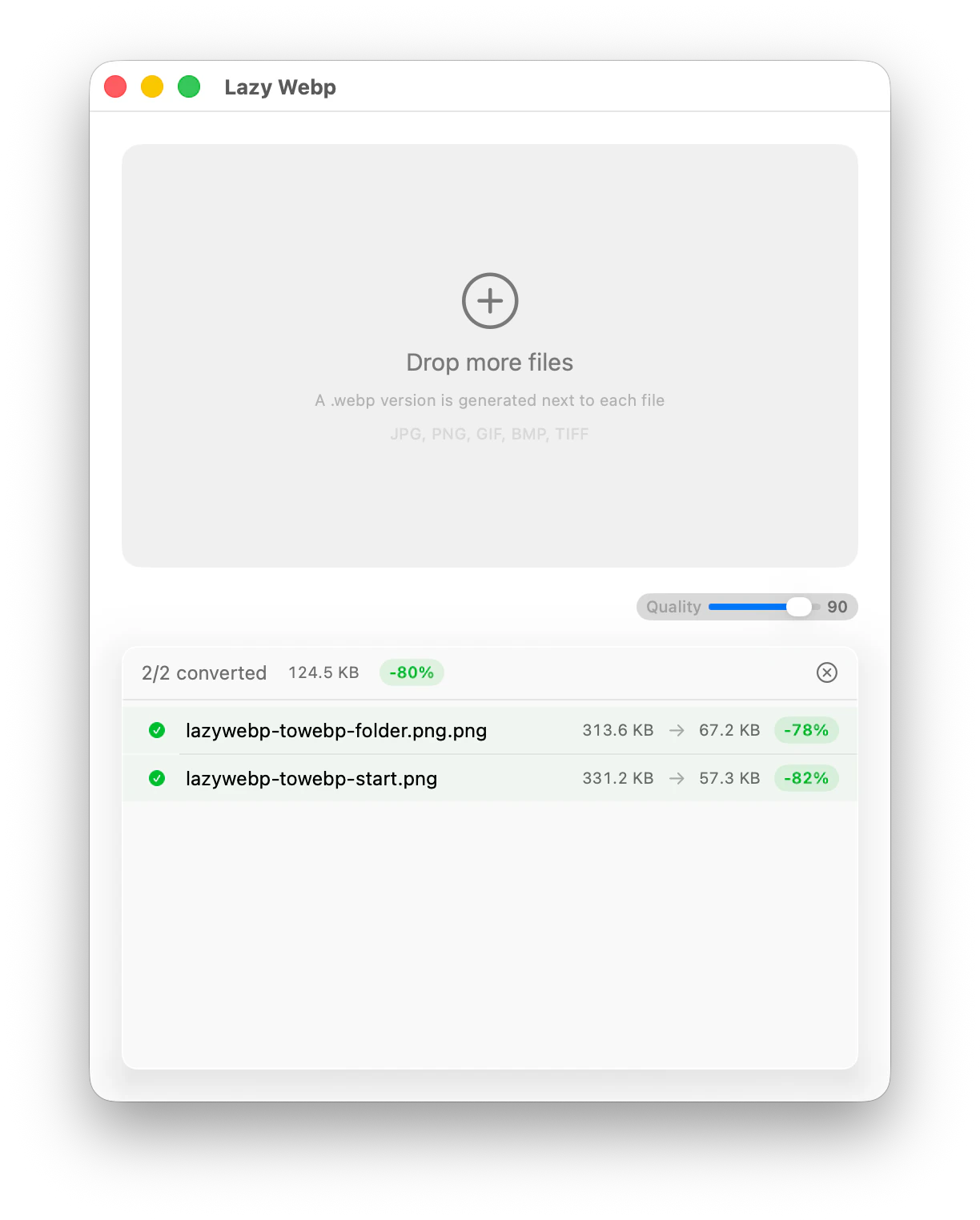
Drop image files or folders directly onto the app window. No file pickers, no terminal — just drag and convert.
Quality Slider
Adjust WebP compression quality from 1 to 100. Fine-tune the trade-off between file size and visual fidelity.
Per-File Savings
See exactly how much space each converted image saves, with percentage and byte reduction shown per file.
Menu Bar Icon
Quick access from the macOS menu bar. Convert images without switching to a full window.
Launch at Login
Set the app to start automatically when you log in, so it's always ready when you need it.
Always on Top
Pin the conversion window above other apps for easy drag-and-drop while browsing files in Finder.
macOS App
Native SwiftUI desktop app with drag-and-drop conversion. Drop image files or folders onto the window and watch them convert in real time. This is a developer tool you build locally — not a downloadable consumer app.
Build from source
git clone https://github.com/keiver/lazywebp.git
cd lazywebp/app
./install-app.sh
lazywebp CLI installed globallymacOS 14+Swift 6.2+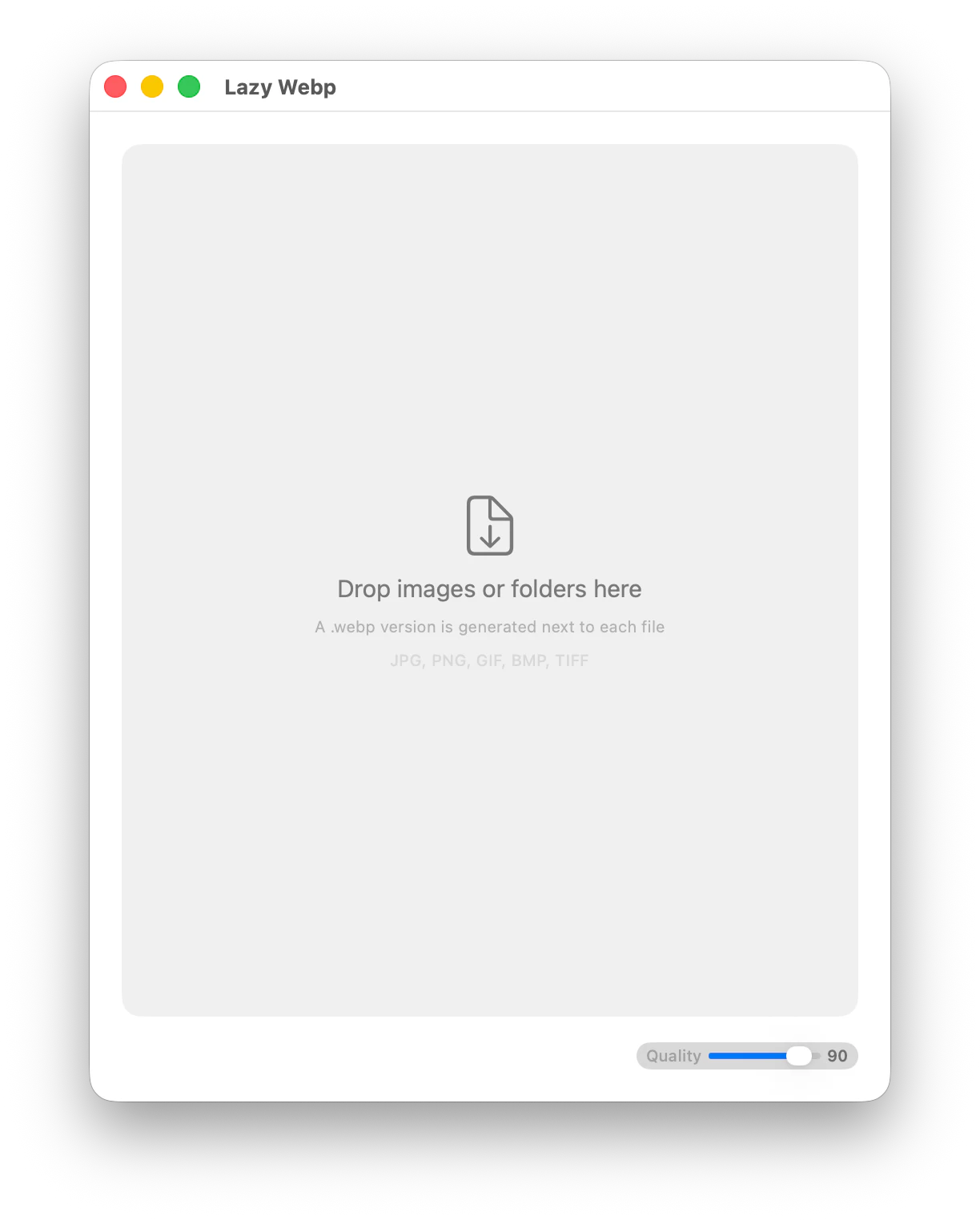
Frequently Asked Questions
What image formats does lazywebp support?
JPG, JPEG, PNG, GIF, BMP, TIFF, and WebP. The CLI scans the input directory for files matching these extensions (case-insensitive) and converts each one to WebP format.
How does the skip logic work?
Before converting, lazywebp compares the modification time (mtime) of the source file against the existing output file. If the output is newer than the source, conversion is skipped. This makes repeated runs fast — only new or modified images get re-converted.
Can I use the macOS app without the CLI?
No. The macOS app is a native SwiftUI wrapper that calls the lazywebp CLI under the hood. You need to install the CLI globally via npm first, then the app uses it for the actual image conversion.
What quality setting should I use?
The default is 90, which works well for most use cases. For photographs where file size matters more, try 80-85. For graphics, illustrations, or UI screenshots where sharpness is critical, use 90-95.
Does it preserve original files?
Yes. lazywebp never modifies or deletes source files. It writes converted WebP files to the output directory using safe writes — data goes to a temporary file first, then gets renamed only after successful conversion.
How does concurrent processing work?
lazywebp uses sharp's built-in concurrency to run up to 4 parallel conversions. Sharp's libvips thread pool distributes work across CPU cores automatically during large batch conversions.